Record #
Create Record Rules #
Here you can preprocess the time series data and add Record rules
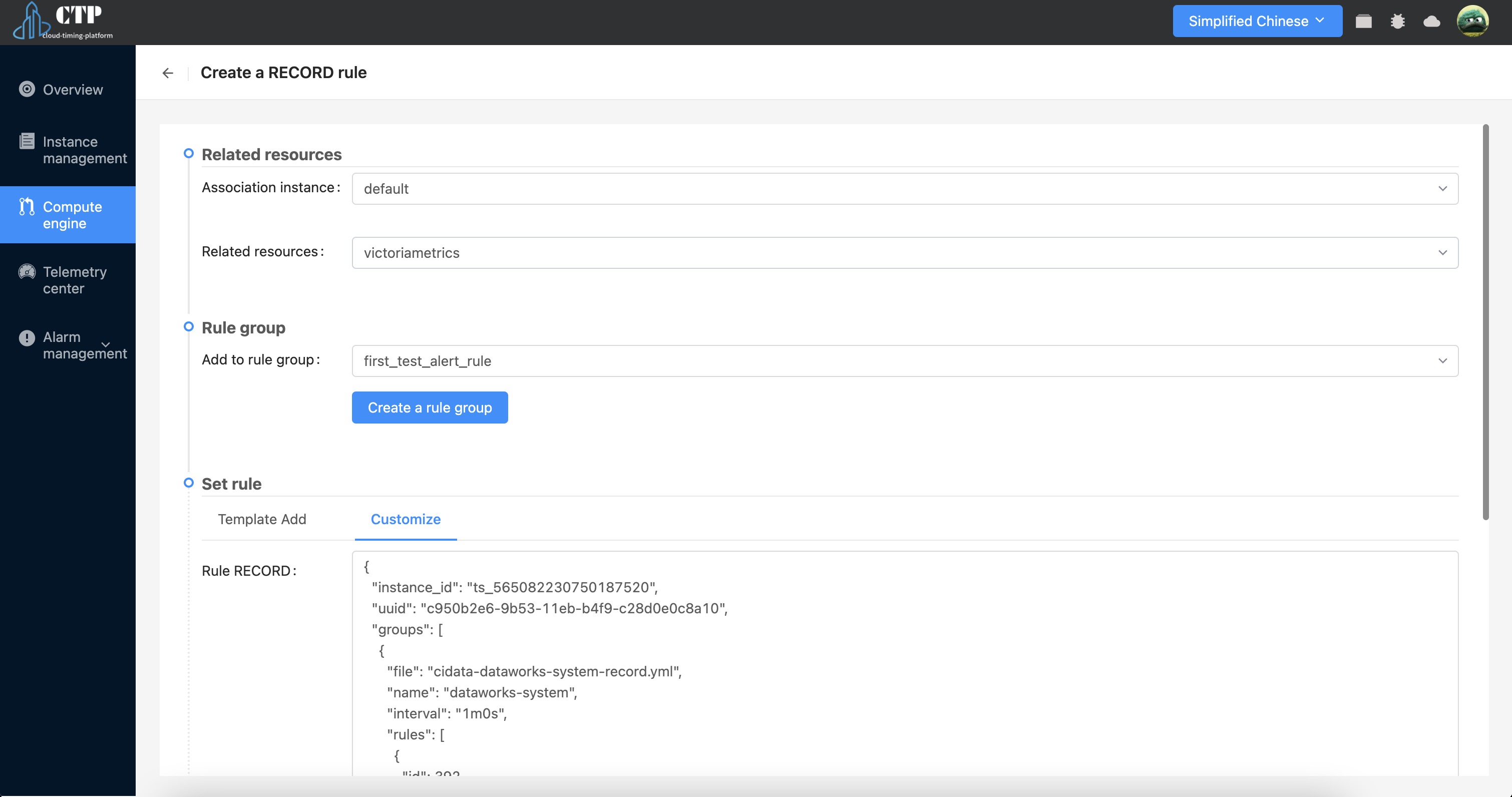
- Associate instance and resource information.
- To add a rule to a rule group, you need to ensure that the rule group where the rule to be added exists already exists. If it does not exist, you need to create it.
- Configure Record rules. Examples of custom additions are as follows:
{
  "instance_id": "ts_565082230750187520",
  "uuid": "c950b2e6-9b53-11eb-b4f9-c28d0e0c8a10",
  "groups": [
    {
      "file": "cidata-dataworks-system-record.yml",
      "name": "dataworks-system",
      "interval": "1m0s",
      "rules": [
        {
          "id": 392,
          "record": "dataworks_datasync_running_error",
          "expr": "(label_replace(label_replace(dataworks_running_datasync, \"cluster_name\", \"$1\", \"flink_cluster\", \"(.*)\"), \"job_name\", \"$1\", \"flink_job\", \"(.*)\")) unless on (cluster_name, job_name) (count by (tenant, cluster_name, job_name) (flink_taskmanager_job_task_numRecordsOutPerSecond{task_name=~\"Source.*\"}) > 0)",
          "for": "0s"
        }
      ]
    }
  ]
}