Auth #
Tips
This module is operated and used by the platform administrator for the configuration management of accounts and their permissions.
Summary #
MSP authority management system adopts RBAC control strategy (Role-based access control), and its main features are summarized as follows:
- Permission points are bound to roles
- A user can have multiple roles
If you want to change the user’s permissions, you only need to assign a different role to the user.
An overview of the built-in roles and authority points of the MSP platform is as follows:
- Super Administrator has all menu permissions and interface permissions
- Central Taiwan read-only users have read-only access to platform product functions (in short, they can only see but not operate)
- Middle station management user has the product read and operation permissions in addition to the permission management
- Hybrid cloud role currently mainly calls the interface of the basic layer, and has all operation permissions except for permission management
Users #
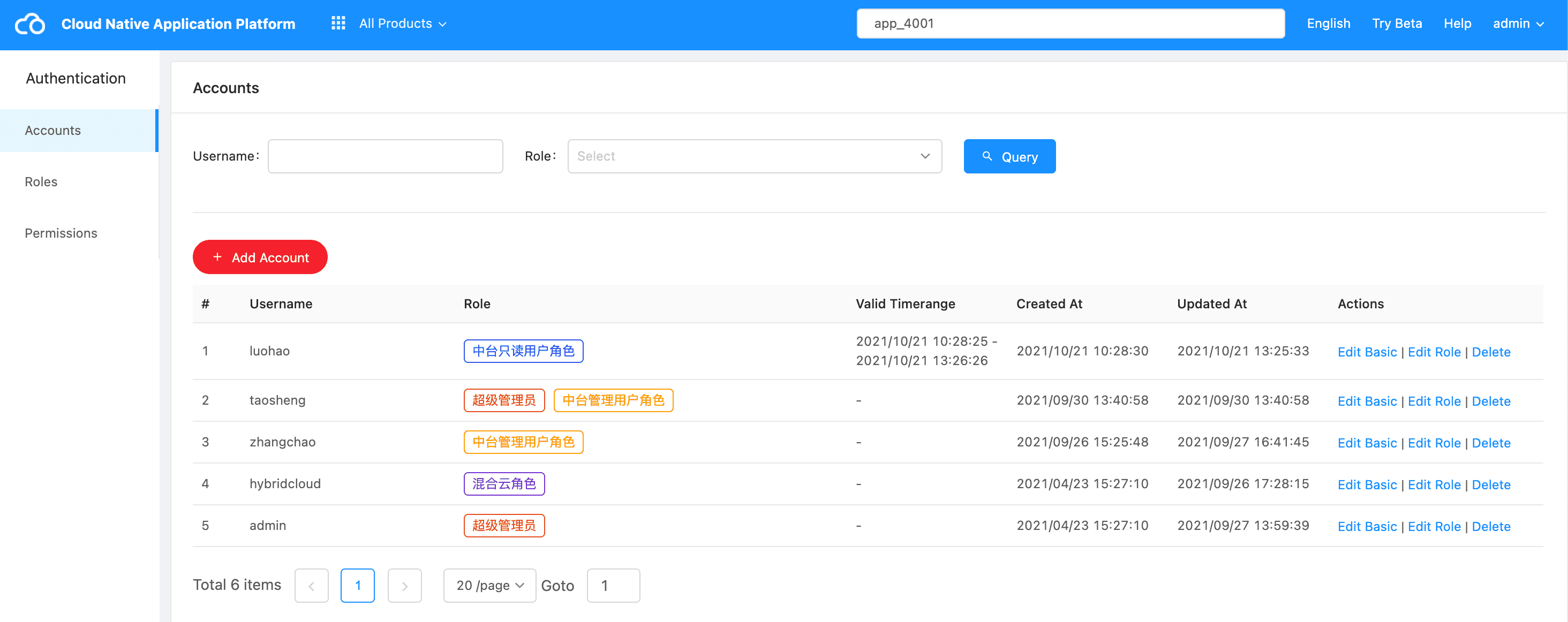
Add User #
Click the “Add Account” button and fill in the basic account information and role information to add an account.
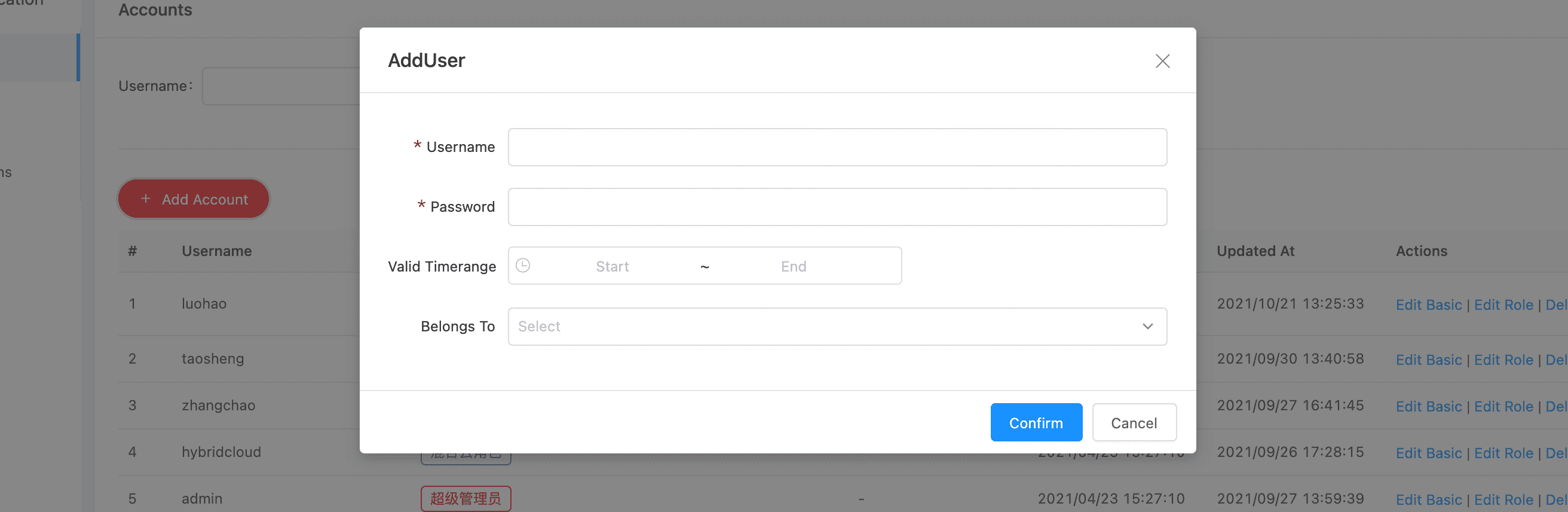
The form parameters are described as follows:
| Param | Required | Description |
|---|---|---|
| Username | 是 | “Username” field when logging in to the system |
| Password | 是 | Login password |
| Valid Timerange | 否 | The account can only be used within the specified range (empty account is always available) |
| Belongs To | 是 | Roles correspond to permission information, and different roles have different permissions (including: menu access permissions and interface permissions) |
Edit Basic #
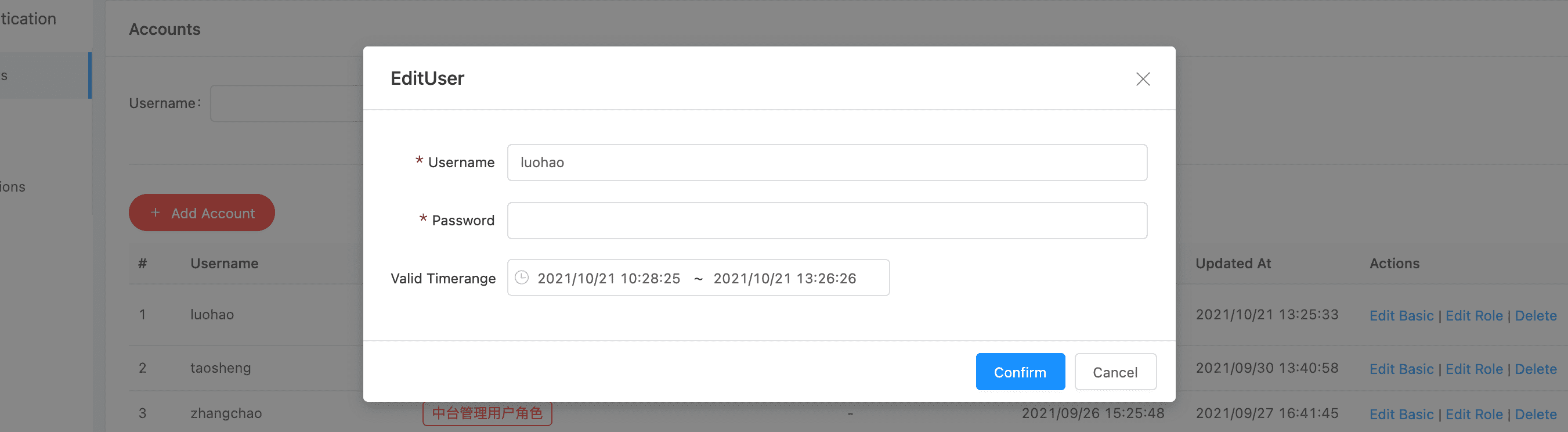
Modify basic account information, including: account validity period and password
Edit Role #
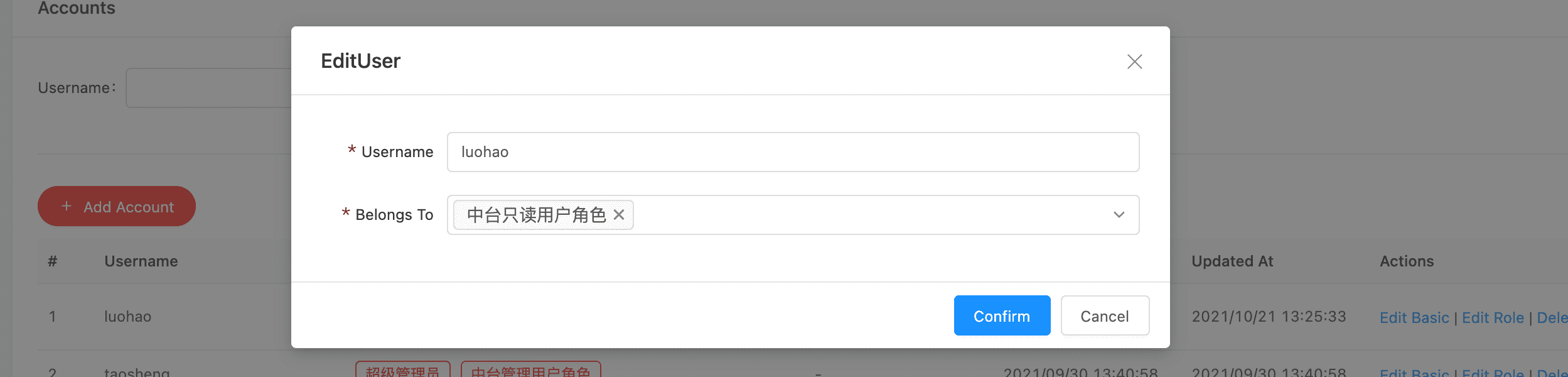
Modify account role information
不同的角色信息对应不同的系统访问权限,包括:平台菜单访问权限和API调用权限。如果需要更改一个用户的权限信息,通过分配不同的角色信息即可。
Roles #
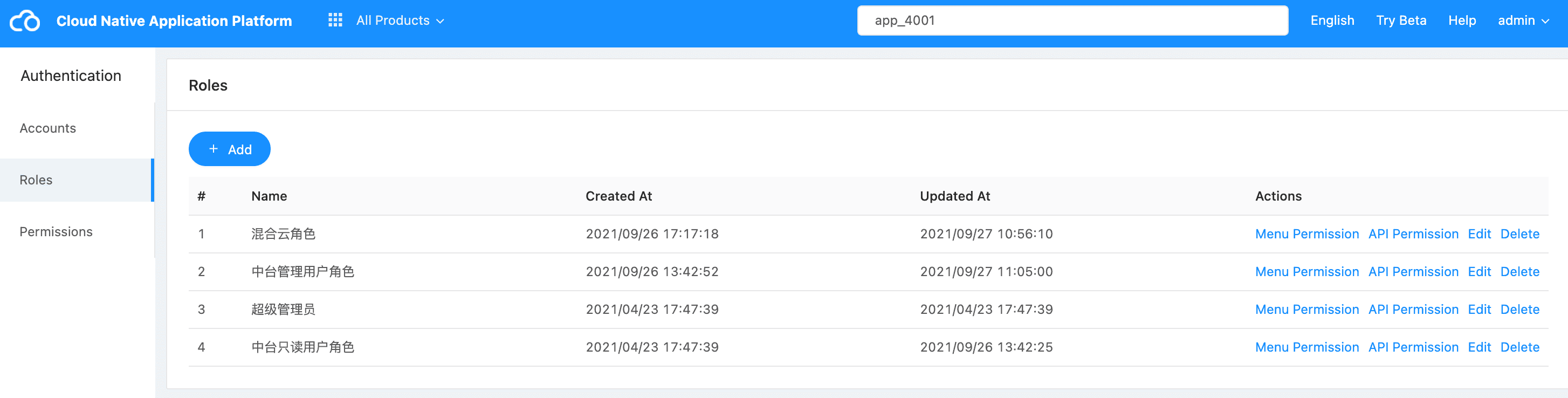
Different role information corresponds to different system access permissions, including: platform menu access permissions and API call permissions. If you need to change the authority information of a user, just assign different role information.
Role Menus #
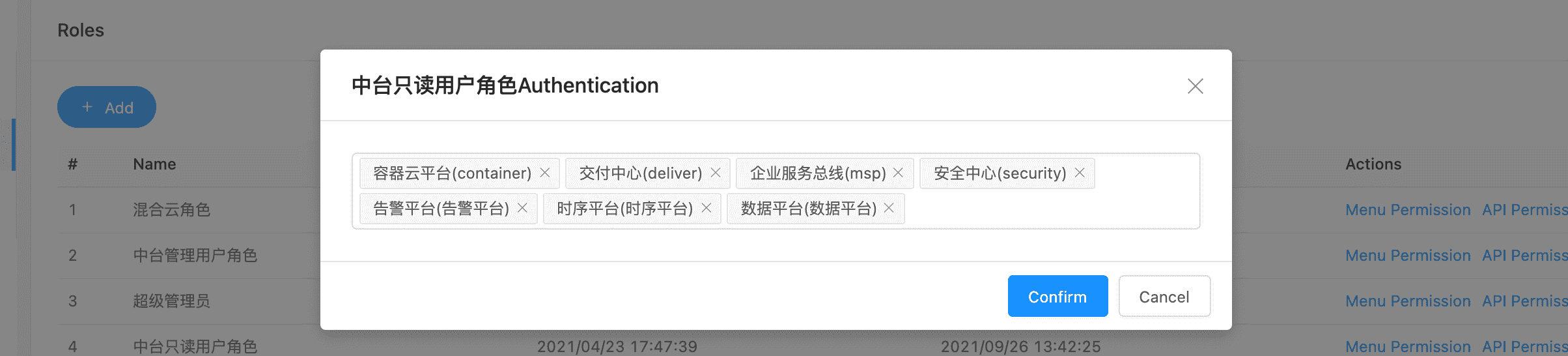
Role API #
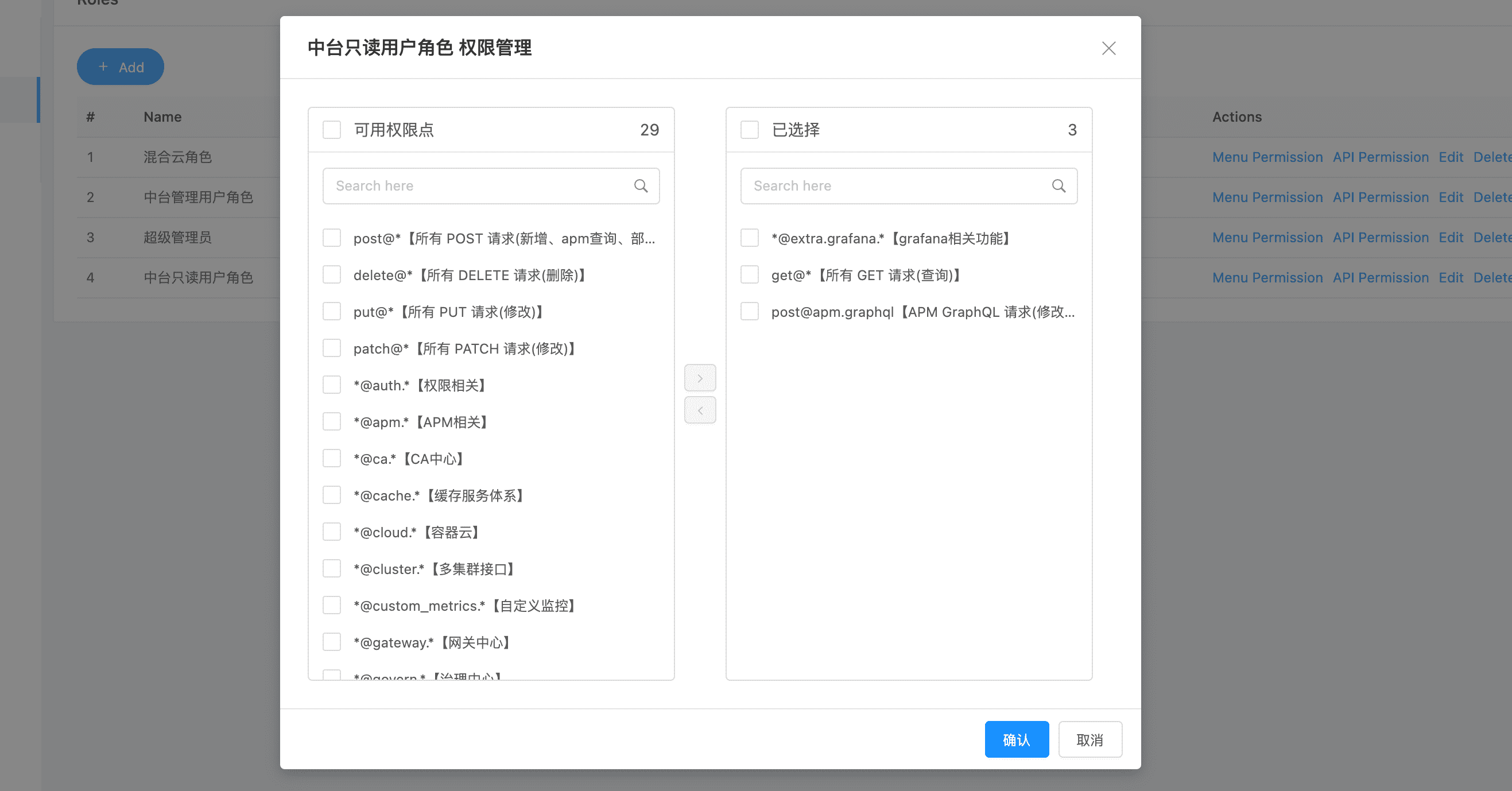
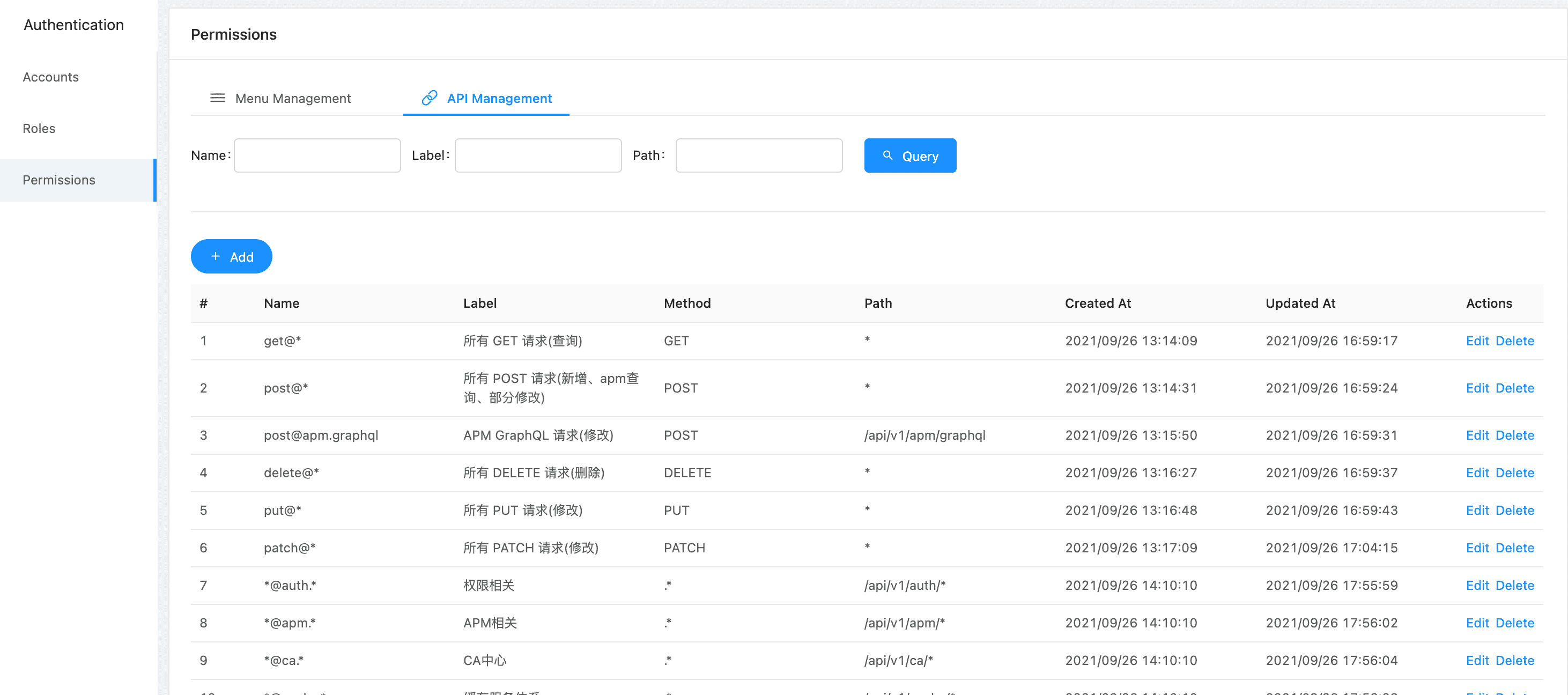
Permissions #
Menu Management #
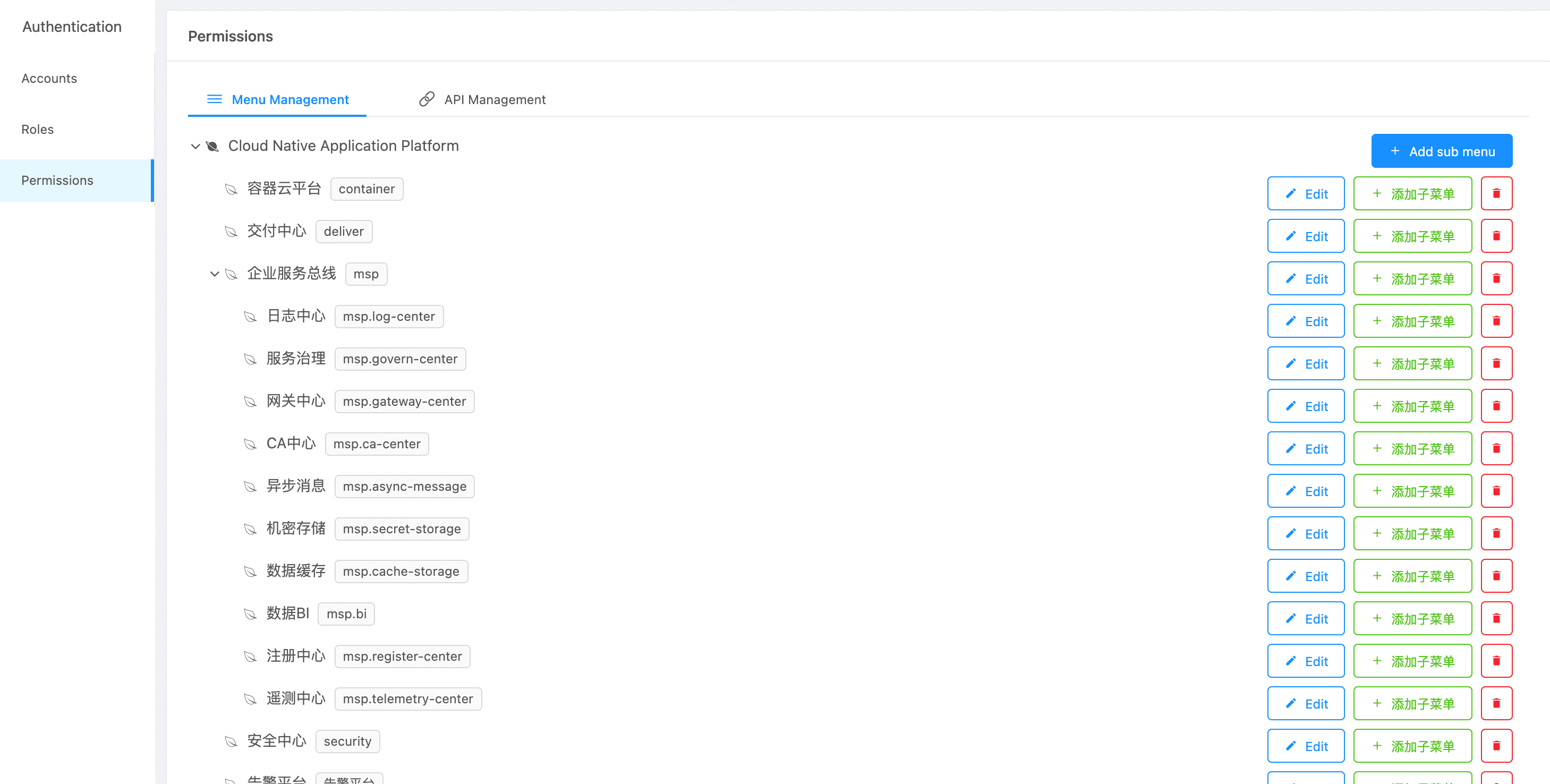
API Management #