Deployment #
Overview of Application Management(Deployment) #
Based on multi-cluster and Federation technology, the cloudy container platform can realize Kubernetes management in different regions and different clouds, support unified global application management, and support full life cycle management such as deployment and deletion of cross-cluster applications based on Kubernetes community cluster Federation standardized interface.
Create Applicationo(Deployment) #
Operation steps:
Enter MSP Multi Cloud Container Platform and select “Workload -Deployment” in the left navigation bar of the host cluster.
In the list of workloads, click Create.
Fill in basic information of workload-currently only yaml format is supported.
Click Next, fill in the deployment strategy and set the parameters.
Deploy cluster
Select a cluster that supports schedulability in the current cloudy container platform.
Deploy mode
The following two modes are supported:
- Directional scheduling: scheduling to a specified cluster, and adding a break-up strategy is supported.
- Weight scheduling: set the weight of the deployment target cluster, and determine the number of deployment instances in the target cluster according to the weight ratio.
Click Next, fill in the differentiated configuration and set the parameters.
Describe
Describe the role of the current configuration
Target cluster
Configure clusters where differentiation plays a role
Override policy, set parameters
- Path: the location in the file where the modified attribute of differentiated configuration is located
- Type: modified type, including: add、remove、rpeplace
- Value: the modified value
After setting, click OK to complete the creation.
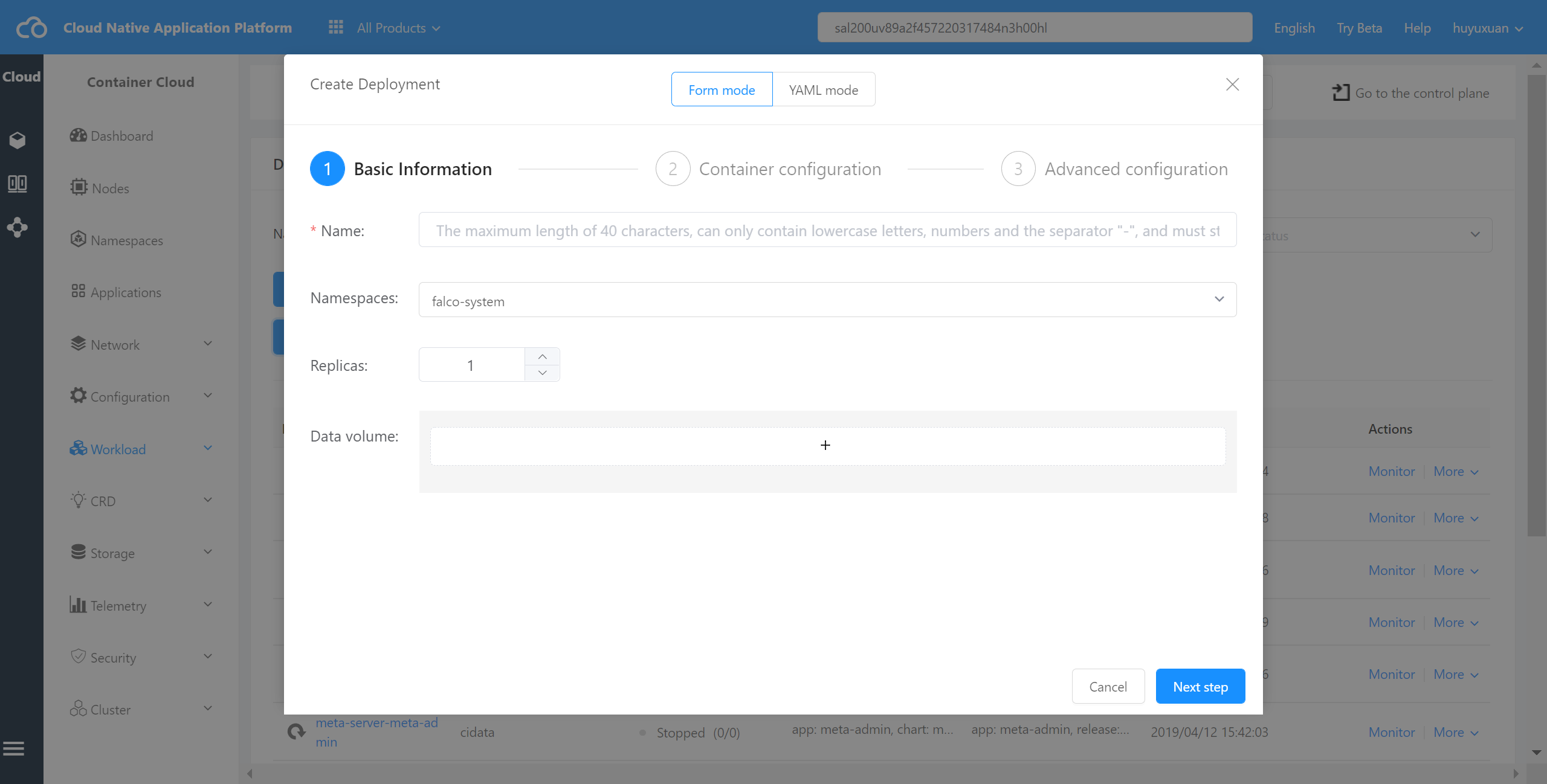
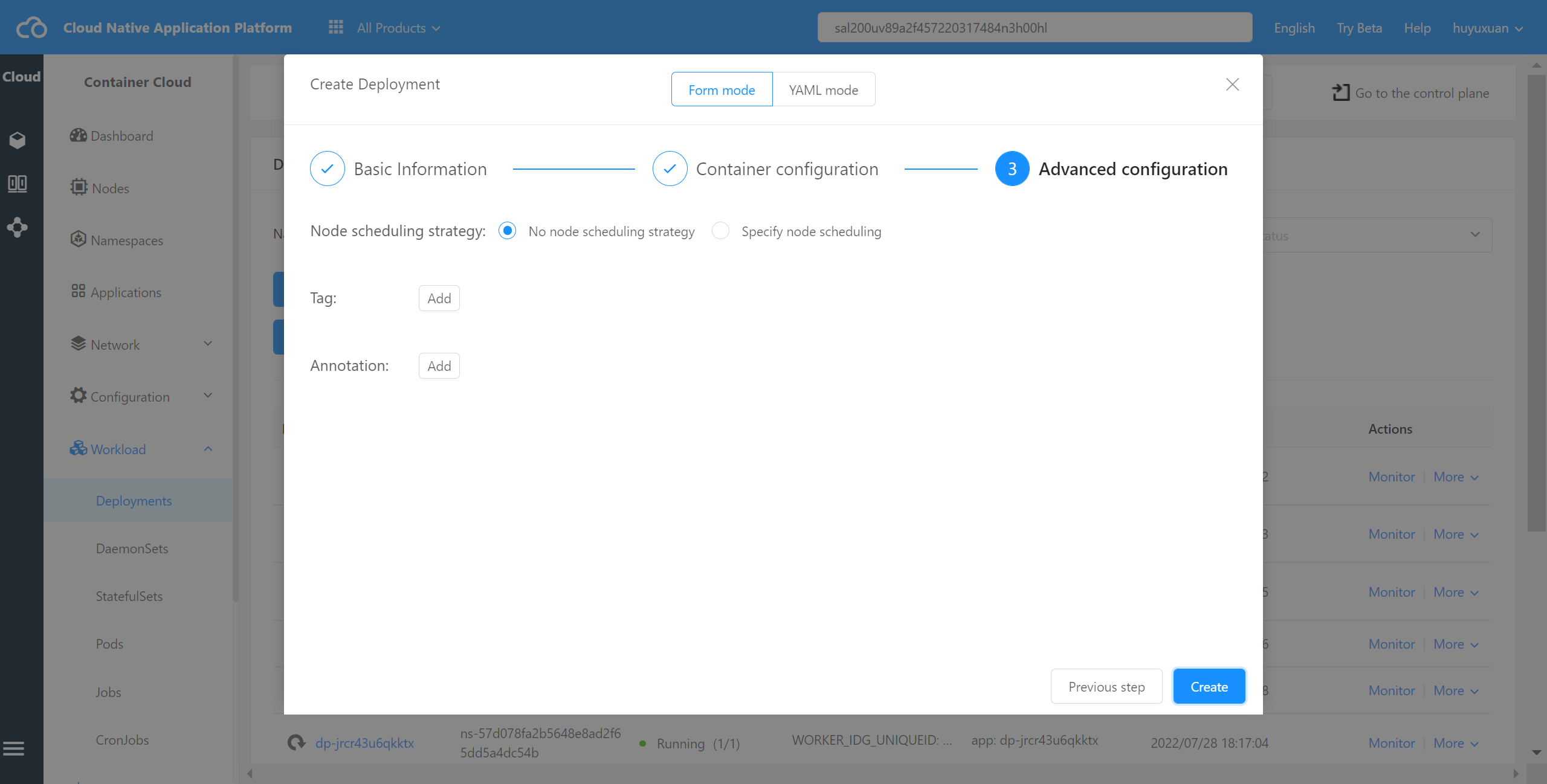
Check the details of the Deployment #
Operation steps:
- Enter MSP Multi Cloud Container Platform and select “Workload -Deployment” in the left navigation bar of the host cluster.
- In the workload list, click Details after the workload. Support to view basic template information of uniform load and basic information of deployment instance. As shown in the following page diagram:
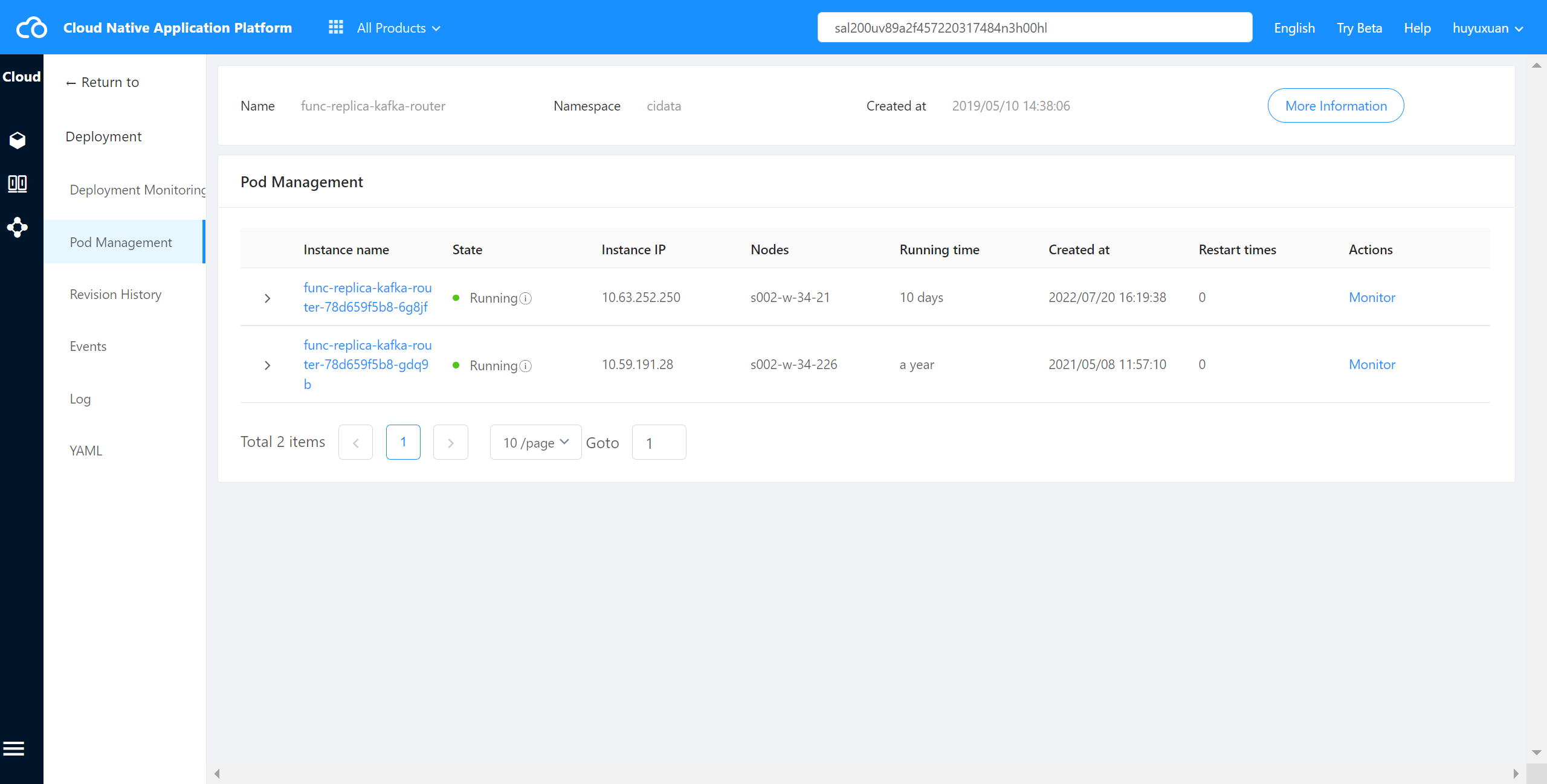
Other Operations #
Instance monitoring, container, log
- Container: you can view the container name, status, mirror image, start and stop times of the corresponding instance, etc.
- Monitoring: If the added cluster is Huawei cloud cluster, you can check the CPU utilization rate and memory utilization rate of the corresponding instance. Other types of clusters do not support this function.
- Log: you can view the log information of the corresponding container.
Deploy Application
The federated application can be redeployed on the cloud container platform, and only the target cluster and the number of deployment instances can be modified.
- Enter MSP Multi Cloud Container Platform and select “Workload -Deployment” in the left navigation bar of the host cluster.
- In the load list, click Deploy after the load and set the parameters.
Edit Application YAML
The federated application can be modified on the cloud container platform.
- Enter MSP Multi Cloud Container Platform and select “Workload -Deployment” in the left navigation bar of the host cluster.
- In the load list, click Edit yaml after the load to modify the YAML format file.